 Beyond the ServiceBY MB / SHARE AND INSTALL
Open. Install. Share.
Medical equipment service management by Mohamed Badawy.
Open application →iPhone / iPad
- Open the application in Safari.
- Tap Share.
- Choose Add to Home Screen, then Add.
This adds the web application to your Home Screen. It does not install the native iOS source project or an App Store release.
Android
Open the application in Chrome. Use its menu and choose Install app or Add to Home screen when offered. Wording depends on the browser.
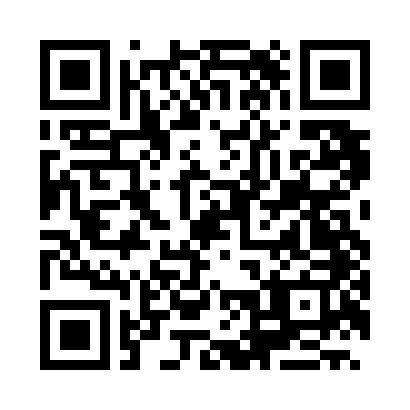
Scan to open the public demo
Your private hospital installation uses its own address and authentication.
Apple Wallet
A Wallet sharing-pass template is prepared. A valid pass still needs signing with your Apple Pass Type ID certificate. No installable Wallet pass is available yet.
Public browser demo: records stay in your own browser; visitors do not share a database. Confidential hospital use requires your separate organization-owned deployment. An internet connection is needed to open this hosted version.